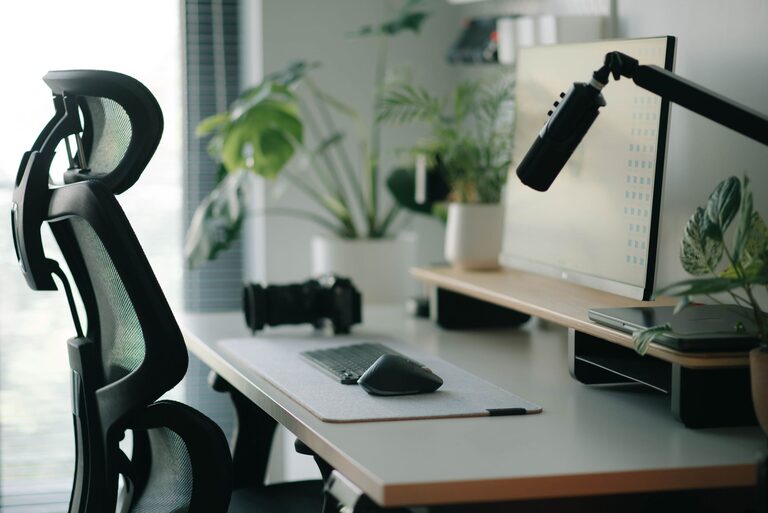
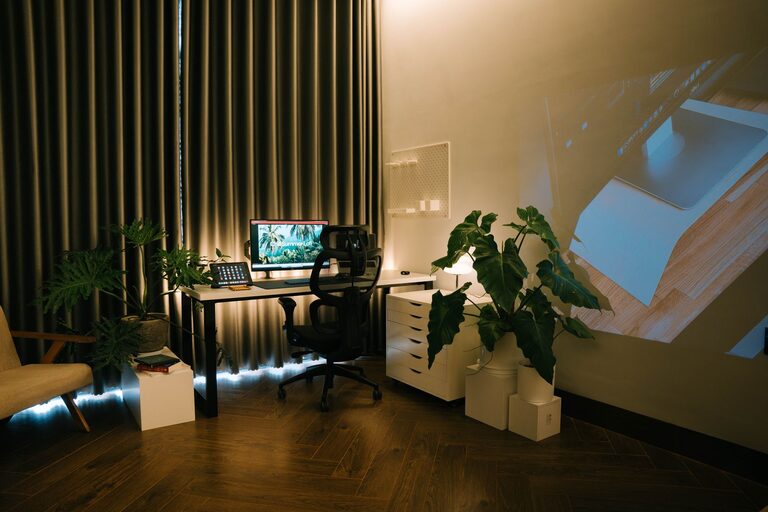
Creating a relaxing home workspace can significantly improve your focus, comfort, and overall well-being while working from home. Whether you spend a few hours or a full day at your desk, having a space that feels calm and inviting helps reduce stress and enhances productivity. This guide will walk you through practical steps to design a home office that supports relaxation and efficiency.
Why a Relaxing Workspace Matters
A cluttered or uncomfortable workspace can make it difficult to concentrate and may increase feelings of frustration. Conversely, a well-planned, relaxing environment encourages calmness, allowing you to work more effectively and even enjoy the process.
Choosing the Right Location
Consider Natural Light
Select a spot in your home with plenty of natural light. Sunlight not only elevates mood but also reduces eye strain. If natural light is limited, opt for warm, soft artificial lighting that mimics daylight.
Minimize Noise and Distractions
Find a quiet area away from busy household zones. If that’s not possible, noise-canceling headphones or white noise machines can help create a peaceful atmosphere.
Organizing Your Workspace
Declutter Regularly
Keep your desk tidy by removing unnecessary items. Use trays, boxes, or drawer organizers to store supplies neatly.
Use Functional Furniture
Choose a desk and chair that support good posture and comfort. Adjustable chairs and desks allow you to customize your setup for long-term use.
Adding Personal Comfort Elements
Incorporate Soothing Colors
Decorate your workspace with calming colors like soft blues, greens, or neutrals. These shades can reduce anxiety and improve concentration.
Include Plants
Indoor plants not only beautify your space but can also improve air quality and create a more tranquil environment.
Use Aromatherapy
A subtle diffuser with essential oils such as lavender or chamomile can promote relaxation without overpowering the room.
Optimizing Technology Setup
Position Your Screen Correctly
Place your monitor at eye level to avoid neck strain. Ensure proper distance to prevent eye fatigue.
Manage Cables
Use cable organizers to keep wires tidy and out of sight. A clean tech setup reduces distractions and enhances workspace aesthetics.
Establishing Healthy Work Habits
Take Regular Breaks
Incorporate short breaks to stretch, breathe, or take a quick walk. This practice helps maintain mental clarity and physical well-being.
Set Boundaries
Define your work hours and space clearly, signaling to family members when you need uninterrupted focus.
Personalizing Your Space
Add Inspirational Items
Include photos, artwork, or quotes that motivate you. Personal touches make your workspace inviting and uniquely yours.
Choose Comfortable Accessories
Consider ergonomic keyboard and mouse options, a cushioned floor mat, or a cozy throw blanket to increase comfort during long work sessions.
Maintaining Your Relaxing Workspace
Clean Weekly
Regular cleaning of your workspace prevents dust buildup and keeps the area fresh.
Update as Needed
Periodically reassess your workspace setup. Adjust lighting, furniture, or decorations to meet changing needs or preferences.
Conclusion
Creating a relaxing home workspace is all about blending comfort, functionality, and personal style. By focusing on lighting, organization, comfort elements, and healthy habits, you can turn any corner of your home into a peaceful and productive work zone. Take some time to design a space that supports your well-being and helps you thrive professionally.
About the Author